
Key Takeaways
- A Google Business Profile at a shared address is permitted, and the requirements are specific: your own suite number, permanent signage with your business name, and a profile that represents your practice rather than the building.
- Individual practitioners can hold their own profile separate from an organization, with naming rules that differ from ordinary businesses.
- Create the profile the week you sign your lease. Local rankings take months to mature, and the clock starts at creation.
Google Business Profile at a Shared Address: What Google Requires
Providers renting a suite in a multi-tenant building frequently assume a Google Business Profile at a shared address is either impossible or against the rules. Neither is true. Doctors, dentists, therapists, and other practitioners operate profiles from shared buildings constantly.
Google’s guidelines for representing your business address the situation directly. Businesses should use a precise, accurate address, and suite numbers, floors, and building numbers may be included. The profile must represent an actual, real-world location.
Two requirements do the most work in a shared building. Virtual offices — addresses you rent for mail but don’t operate from — are not eligible for a profile. And businesses displaying an address on Google are expected to maintain permanent fixed signage with the business name at that address.
The Signage Requirement Deserves Attention
Permanent signage is the requirement providers most often fail, and it’s the one that gets profiles suspended.
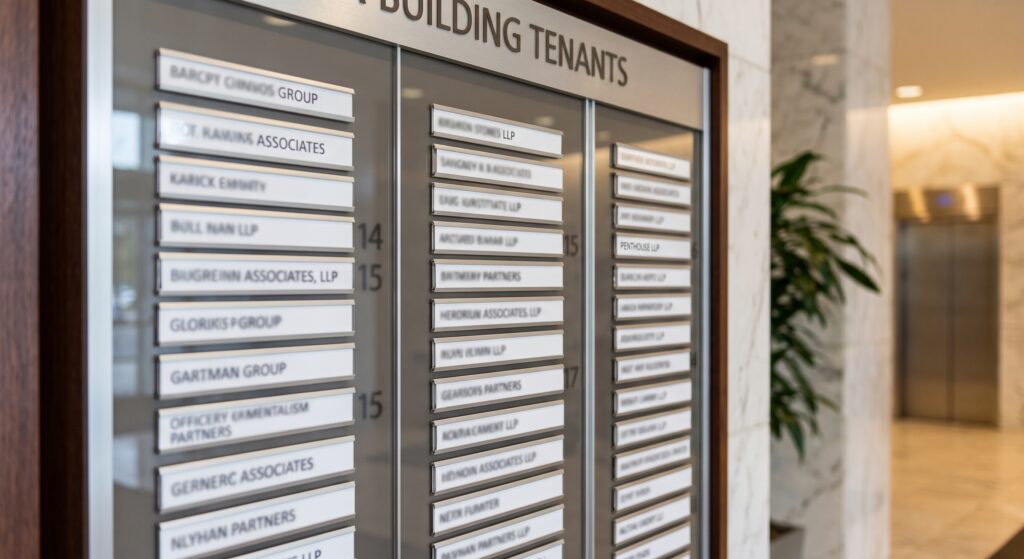
A nameplate on your suite door and a listing on the building directory generally satisfy it. A printed sheet taped to a door does not. Before signing any lease, confirm in writing that you’ll receive signage on your suite door and a line on the building directory — a point our tour checklist covers alongside the other lease items worth pinning down.
Landlords renting to professional tenants generally understand the request. Ones who resist it are telling you the building isn’t set up for practices that need to be findable.
What Makes You Eligible
- You operate from the location, seeing patients there
- You have a suite or unit number distinct from other tenants
- Permanent signage displays your business name at the address
- You’re reachable at a phone number belonging to your practice
- Your hours reflect when you’re actually available at that address
Meet all five and a shared building presents no obstacle. Our guide to turnkey suites covers what a landlord should provide, signage included.
Practitioner Profiles Versus Practice Profiles
Healthcare has its own rules, and getting the structure right prevents duplicate-listing problems later.
The Distinction
Google permits individual practitioners — doctors, dentists, therapists, and similar public-facing professionals — to hold their own profiles. Naming conventions differ from ordinary businesses:
- A practitioner profile should carry only the practitioner’s name, not the organization’s name
- Titles and degree certifications are permitted (Dr., MD, DDS, LCSW, and similar)
- Support staff should not create profiles
Where a practitioner is the only public-facing practitioner at a location and represents a branded organization, Google’s guidance is that the practitioner and organization share a single profile, named in the format [brand]: [practitioner name].
Which Structure Fits You
| Situation | Structure |
| Solo practice under your own name | One profile, practice name |
| Solo practitioner under a brand name | One shared profile: Brand: Practitioner Name |
| Two practitioners, separate practices, same building | Separate profiles, separate suites |
| Two practitioners, one practice | One practice profile, optionally individual practitioner profiles |
| Practitioner working at multiple locations | Separate profile per location where you regularly see patients |
The multi-location case trips people up most. A practitioner splitting time between two buildings can hold a profile at each, provided each address meets the eligibility requirements — actual operation, distinct suite, permanent signage.
Setting It Up Correctly
Order matters, and a few fields cause most of the trouble.
Address Entry
Enter the street address on the first address line and your suite or unit number on the second. Consistency matters more than format: whatever you enter should match your website, your directory listings, your insurance credentialing paperwork, and your signage exactly.
Mismatched address formatting across the web is a common cause of ranking trouble and occasionally of verification difficulty.
Business Name
Use your actual practice name. Adding keywords — a city, a specialty, a service — violates the guidelines and is among the most frequent reasons profiles get suspended or edited without warning.
If your practice name genuinely includes a descriptor, keep it. If you’re tempted to append one for search purposes, don’t.
Categories
Pick the primary category that most precisely describes your practice, then add secondary categories for services you genuinely provide. Primary category carries the most ranking weight, so precision matters more than breadth.
Hours
Enter hours you’re actually at that address. Evening and weekend availability is worth displaying accurately, since a large share of patients search outside business hours — but only list hours you’ll honor. Patients who arrive at a closed door leave reviews about it.
Phone Number
Use a number belonging to your practice, not your personal mobile and not the building’s main line. A shared building number across multiple tenant profiles creates duplicate-detection problems for everyone in the building.
Verification in a Multi-Tenant Building
Where shared addresses create the most friction.
What to Expect
Google verifies by postcard, phone, email, or video depending on the business type and history at the address. Video verification has become common for healthcare and for addresses with prior listings, and it’s where shared buildings need preparation.
For a video verification, expect to demonstrate:
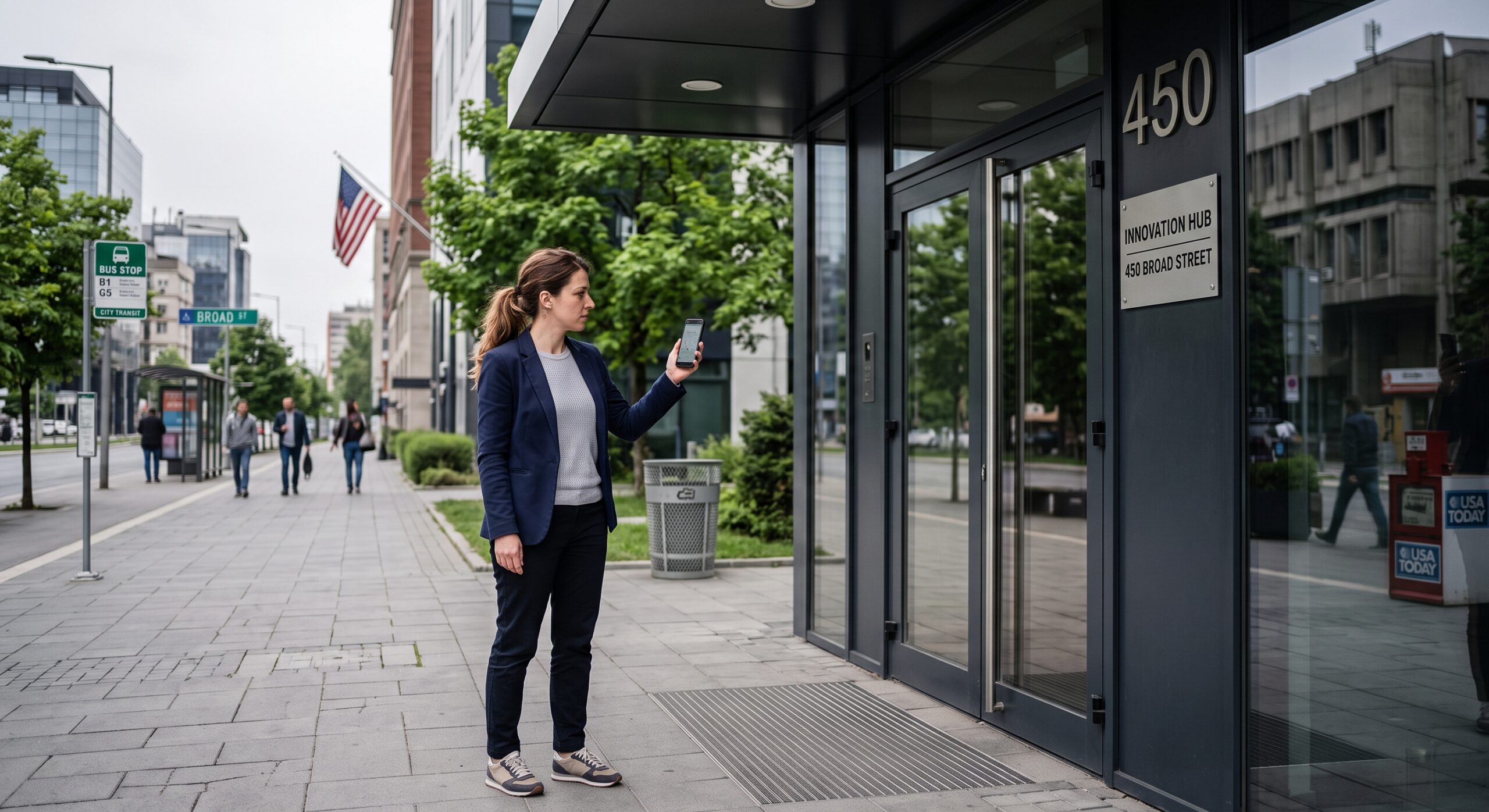
- The building exterior and street signage
- The building directory showing your business name
- Your suite door with your nameplate
- The interior of your suite
- Business documentation — a lease, a license, a utility bill
Have all of it ready before you start. A verification that fails takes considerably longer to resolve than one that succeeds.
Common Problems and Fixes
A prior business at your suite. Search the address before creating your profile. If a previous tenant’s listing remains, request removal as permanently closed rather than creating a duplicate.
Postcard doesn’t arrive. Confirm mail delivery to your suite number works. Buildings with a single mailroom sometimes lose suite-specific mail. Ask the landlord how mail is handled before it becomes a problem.
Suspension after creation. Usually traced to a keyword-stuffed business name, an address mismatch, or missing signage. Fix the underlying issue before appealing, since appealing without correcting rarely works.
Duplicate detection with a neighbor. Distinct suite numbers and distinct phone numbers resolve most of it. Our post on shared medical office space covers how the arrangements differ, and shared phone lines are one more reason exclusive space simplifies things.
Building the Profile Out
Verification is the start. Ranking comes from what follows.
Complete Every Field
- Business description covering your services and who you serve
- Services list with descriptions
- Attributes relevant to your practice — accessibility, appointment requirements, languages spoken
- Booking link connecting directly to your scheduling system
- Photos of the exterior, the entrance, the building directory, and your suite
Exterior and entrance photos do double duty: they help patients find you in a multi-tenant building and they support verification.
Reviews, Carefully
Reviews carry substantial ranking weight, and healthcare adds a constraint most businesses don’t face. Responding to a review in a way that confirms someone was your patient is a disclosure.
Safe practice:
- Never confirm or deny that a reviewer is a patient
- Respond generically: thank the reviewer, invite direct contact, say nothing clinical
- Never reference a visit, a diagnosis, a treatment, or a date
- Ask patients for reviews without gating or incentivizing
The HIPAA Security Rule and Privacy Rule both apply to what you publish online. The HHS summary of the Security Rule covers the broader obligations, and our HIPAA office setup guide covers the physical safeguards alongside them.
Ongoing Maintenance
- Post updates periodically — new services, hours changes, availability
- Answer questions in the Q&A section before someone else does
- Update hours around holidays
- Add photos as the practice develops
- Check monthly for unauthorized edits, which happen more than providers realize
Timing It With Your Lease
Local rankings mature slowly, which makes creation date a real variable.
Create the profile the week you sign, not the week you open. The address is real, the lease is signed, and the months between signing and full ramp are months your profile could be aging.
Sequence alongside the rest of your launch:
- Sign the lease
- Create and verify the Google Business Profile
- Confirm signage installation with the landlord
- Update your address with every board, payer, and registration
- Build out the profile fully
- Begin requesting reviews once you’re seeing patients
Our step-by-step guide to starting a practice places the profile within the wider launch sequence, where it belongs earlier than most providers assume.
Frequently Asked Questions
Can I create a Google Business Profile in a shared office building?
Yes. Google permits profiles at shared addresses provided you operate from the location, have a distinct suite number, and maintain permanent signage with your business name. Virtual offices you don’t operate from are not eligible.
Do I need signage for a Google Business Profile?
Businesses displaying an address on Google are expected to maintain permanent fixed signage with the business name at that address. A suite door nameplate and a building directory listing generally satisfy the requirement. Confirm signage rights in your lease before signing.
Can two practices in the same building both have profiles?
Yes, with distinct suite numbers and distinct phone numbers. Shared phone lines across tenant profiles create duplicate-detection problems for everyone involved.
Should I create a profile for myself or my practice?
Depends on structure. Solo practices under your own name need one profile. A practitioner who is the only public-facing practitioner representing a branded organization should share a single profile named [brand]: [practitioner name]. Separate practitioner profiles carry the practitioner’s name only, without the organization name.
How do I verify a profile at a shared address?
Google may use postcard, phone, email, or video verification. For video, be ready to show the building exterior, the directory with your name, your suite door nameplate, your suite interior, and business documentation such as a lease or license.
Can I respond to patient reviews?
Yes, carefully. Never confirm that a reviewer is a patient, and never reference a visit, diagnosis, treatment, or date. Thank the reviewer, invite direct contact, and keep the response generic. Confirming a treatment relationship publicly is a disclosure.
When should I create my Google Business Profile?
The week you sign your lease. Local rankings take months to mature, and the months between signing and opening are months your profile could be aging rather than sitting uncreated.
Why did my profile get suspended?
Most commonly a keyword-stuffed business name, an address that doesn’t match across the web, missing signage at the location, or an address flagged as a virtual office. Correct the underlying issue before filing an appeal.
About SADA Med Suites
SADA Med Suites rents private, fully furnished medical office suites to independently licensed practitioners in downtown Englewood, New Jersey. Every suite comes with a distinct suite number, custom signage on your door, and a listing on the building directory — the three things a Google Business Profile at a shared address depends on. Singles run 180 to 240 square feet and doubles run 325 to 470, with utilities, high-speed internet, cleaning, shared waiting area, and secure 24/7 access included.
Tenants also appear in our provider directory, which gives your practice a second indexed mention at a verified address.
Get findable. Browse available suites or book a tour. Call (347) 599-3372 — 50 E Palisade Ave, Fl 2, Englewood, NJ 07631.